Film Scanning · 6 min read
How to Remove Dust and Static Before Scanning Film
Learn a safe dry-cleaning workflow for reducing dust and static on 35mm and 120 film before scanning.
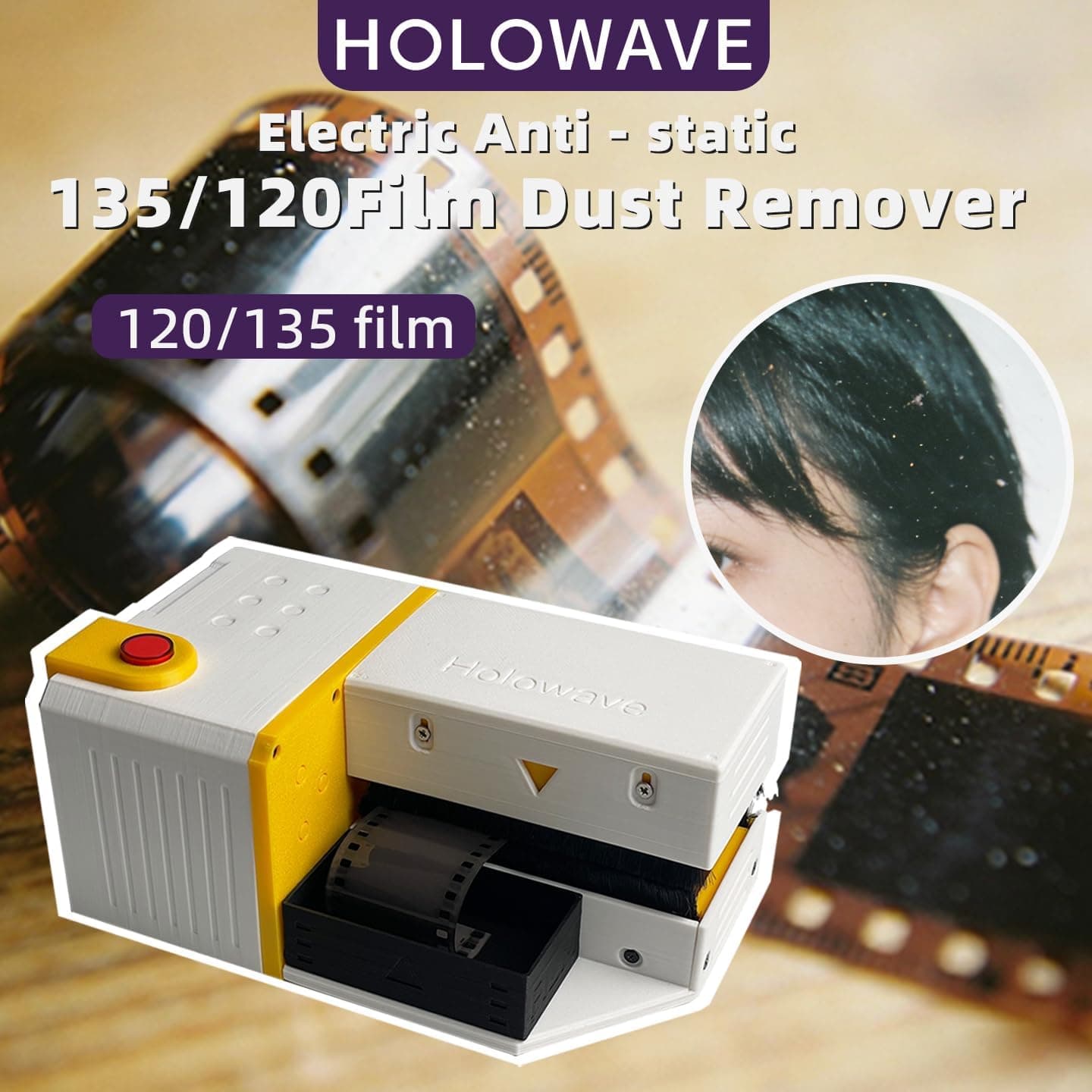
Dust is one of the most time-consuming problems in film scanning. A few particles on a negative can become large white or dark marks after inversion, and static charge can attract new dust immediately after cleaning. The goal is not to scrub the film. It is to remove loose contamination while minimizing contact and preventing the surface from charging again.
Understand where scanning dust comes from
Film can collect particles during drying, storage, handling, and scanner preparation. Plastic holders, low humidity, synthetic clothing, and repeated brushing may generate static electricity. Once charged, a strip can pull airborne lint back onto its surface even after it looks clean.
Start by cleaning the environment rather than repeatedly cleaning the negative. Wipe the scanner exterior, inspect the holder, and allow airborne dust to settle. Avoid working directly beneath an air conditioner or beside a fan. Moderate room humidity often makes static easier to control than an extremely dry environment.
Use a least-contact cleaning sequence
- Hold the film by its edges and inspect both sides under angled light.
- Use a manual air blower to move loose dust away from the strip. Keep the blower tip clear of the film.
- Pass the film slowly through a clean antistatic brush or film cleaner. Use only the contact pressure designed into the tool.
- Inspect again under the same light. Repeat once only if visible loose particles remain.
- Load the film into the clean holder immediately and begin scanning before new dust settles.
Always move the brush in a controlled direction rather than rubbing back and forth. If a particle is bonded to residue, dry brushing is not the correct solution; excessive brushing increases the risk of a scratch.
Reduce static during the workflow
Static control is especially useful with 120 film because its larger surface area can attract more particles. It also matters when scanning black-and-white negatives, where infrared dust removal may not work reliably because of the silver content in the emulsion.
- Avoid rapid film movement through plastic sleeves or holders
- Keep synthetic fabric and packaging away from the scanning area
- Clean the holder separately so it does not transfer dust back to the film
- Use an antistatic brush intended for photographic film
- Store cleaned film promptly instead of leaving it exposed
What not to use
Do not blow on negatives with your mouth; moisture droplets can land on the emulsion. Avoid canned air unless the manufacturer explicitly approves it for film and you understand the risk of liquid propellant. Never use a household vacuum directly on a negative, and do not wipe film with microfiber cloths meant for lenses or screens.
A lens cloth is designed for hard optical glass, not a soft photographic emulsion. Likewise, general-purpose cleaners can leave residue or damage dyes. When dry methods cannot remove a mark, move to a controlled film-cleaning process rather than increasing friction.
Check the scan before processing the whole roll
Make a preview scan of the first frame at the intended resolution and examine a high-contrast area at 100 percent. If dust repeats in the same location on several frames, inspect the scanner glass or sensor path. If marks move with the film, clean the negative and holder again before scanning the entire roll.
A one-minute test can prevent hours of retouching. Once the setup is clean, process the roll in a steady sequence and return each strip to its sleeve as soon as it is scanned.
Frequently asked questions
Questions about this workflow
Should a film brush touch the emulsion side?
A clean brush designed specifically for film may make very light contact, but follow its instructions and never apply extra pressure. Use air first to remove abrasive particles.
Why does dust return immediately after brushing?
The film or holder may be statically charged, or the room may have active airborne dust. Slow the handling process, clean the holder, reduce airflow, and use antistatic equipment.
Can software dust removal replace physical cleaning?
Software can reduce some defects, but clean film preserves detail and shortens editing. Infrared cleaning also has limitations with many traditional black-and-white films.